
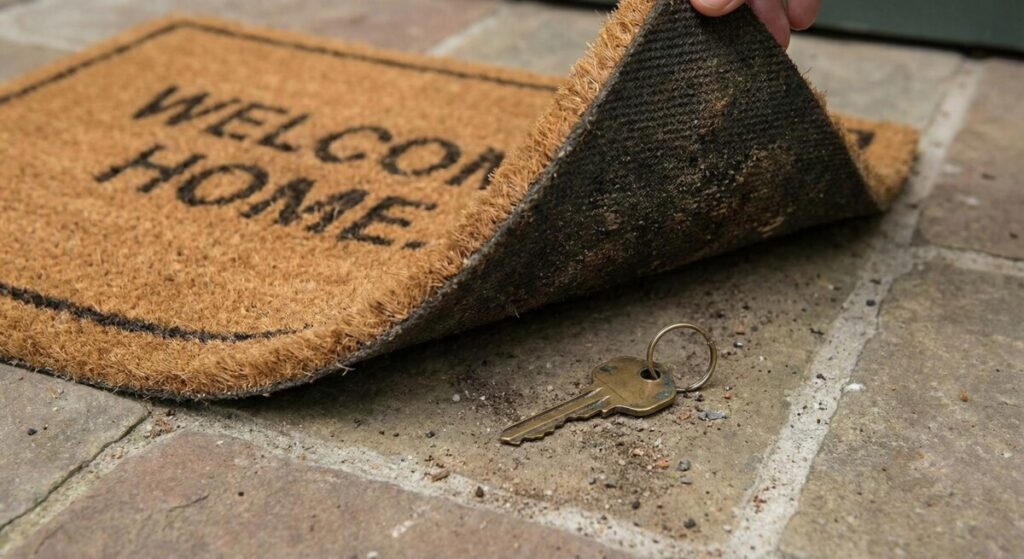
If you put a key under the mat for the cops, a burglar can find it, too.
Tim Cook
This is Part 2 of a series on Phishing-Resistant Authentication. Read Phishing Resistant Part 1: Helpdesk Vulnerable and the Truth About Synced Passkeys.
In Part 1, I discussed how Microsoft’s new synced passkey capabilities can address the problem of phishing-resistant authentication recovery. By allowing passkeys to roam with users via iCloud and Google Password Manager, we can reduce the helpdesk burden for passkey recovery.
But everything comes at a price. Today, I want to talk about that price.
When we move from device-bound passkeys to synced passkeys, we aren’t just changing the form factor; we are fundamentally shifting the threat model. We are moving from an enterprise-controlled security boundary to one that relies entirely on Apple and Google’s consumer-grade recovery flows.
If you are an architect or CISO, you need to understand two things right now:
- The Consumerization of Risk: How synced passkeys lower the security ceiling for your most privileged users.
- The Paradox of Recovery: How to build a recovery flow that doesn’t inadvertently create a backdoor into your environment.
This post provides some tips to navigate this landscape.
The Uncomfortable Truth: The “Beachhead” Risk
This forces us to confront the real architectural choice. We are not choosing between Synced Passkeys and Passwords. We are choosing between Device-Bound Passkeys (High Assurance) and Synced Passkeys (Easy Recovery).
The critical question is: Is it safe for a “general population” user to get hacked because their personal Gmail account was compromised?
If a mailroom employee’s personal iCloud account is taken over via a SIM swap, and your enterprise passkey restores to the attacker’s device, that attacker now has a valid, phishing-resistant entry into your environment. They can browse the Global Address List (GAL), access internal SharePoint sites, and launch internal phishing attacks to move laterally.
In a Zero Trust world, there is no such thing as a “low-value” user. Every account is a beachhead.
So why do I recommend Synced Passkeys at all? Because Synced Passkeys provide a relief valve should the costs of device-bound passkeys become too high.
- The Status Quo (Passwords + Push MFA): Users are compromised daily by generic, automated phishing kits. The barrier to entry is low.
- Synced Passkeys: The attacker must specifically target and compromise a user’s personal cloud account to get in. The barrier to entry is significantly higher.
I appreciate Synced Passkeys not because they are perfect, but because they eliminate the #1 threat (Phishing) while introducing a harder-to-exploit threat (Consumer Account Takeover). If we cannot afford to eliminate the danger, we can make exploitation more expensive for the attacker.
The Real Choice: “New Phone Day” vs. The Helpdesk
Why don’t we just force everyone to use Device-Bound keys (YubiKeys or non-syncing Authenticator)? Non-syncing Authenticator passkeys cost nothing and eliminate the consumer cloud risk entirely.
The answer is the “New Phone” problem.
- With Device-Bound Keys: When a user buys a new iPhone, their credentials do not transfer. The key is locked to the old silicon. Every single phone upgrade becomes a helpdesk ticket requiring a high-security recovery (TAP) to get them back online. In a large enterprise, “New iPhone Season” effectively becomes a denial-of-service attack on your support team.
- With Synced Passkeys: The user restores their iCloud backup to the new phone, and the passkey is there. They sign in immediately. Helpdesk tickets: Zero.
The Verdict:
- For the General Population: We trade strict assurance for the ability to survive the iPhone upgrade cycle. The risk of lateral movement via a compromised iCloud account is real, but it is acceptable compared with the certainty of helpdesk overload.
- For Admins and High-Value Targets: That trade-off is unacceptable. A compromised Admin account is an extinction-level event. For these users, a new phone should be logged as a helpdesk ticket. You must enforce Device-Bound passkeys and accept the operational cost to ensure that your “Keys to the Kingdom” never end up in a stranger’s iCloud backup.
The Paradox of Recovery: How to Recover Without Breaking Policy
There are ways to simplify the recovery or reissuance of Device-Bound passkeys. The most common (and dangerous) advice I see is: “Just exclude the user from the phishing-resistant policy temporarily so they can register a new one.”
Do not do this. Every time you create an exclusion, you create a window of opportunity for an attacker. We need a recovery flow that keeps the user under enforcement while allowing them to bootstrap a new credential.
The Broken Path: “Register Security Info”
Microsoft allows you to target the “Register security info” user action in Conditional Access. The theory is that you can apply a looser policy just for registration.
The Reality: In my testing, this often fails for high-security methods like Attested Authenticator Passkeys. The registration flow starts on the phone but “breaks out” into a web session that escapes the “Register security info” context. It hits your standard access policies, sees that the user doesn’t have a valid phishing-resistant method, and blocks the registration.
The Working Path: TAP in Authentication Strength
The robust solution is to acknowledge that the Temporary Access Pass (TAP) is the bridge. But TAP is not, by default, part of the “Phishing-Resistant MFA” authentication strength. Here is the approach that works:
- Create a Custom Authentication Strength: Name it “Phishing-Resistant + TAP Recovery”. Include:
- FIDO2 Security Key
- Windows Hello for Business
- Passkeys (Microsoft Authenticator)
- Temporary Access Pass (One-time use and Multi-use) Multi-use TAPs are necessary for Windows Autopilot scenarios, where the OOBE process may require authentication at multiple stages before the device is fully enrolled.
- Apply This to Your Enforcement Policy: Replace the built-in “Phishing-resistant MFA” strength with your custom one.
Why this wins: You never have to touch the policy during an incident. When a user is locked out, you issue a TAP. The TAP satisfies the policy requirements, allowing the user to sign in and register a new passkey. The moment the TAP expires (or is used or is deleted), the user is instantly back to requiring strictly phishing-resistant auth.
Hardening the Helpdesk: The “Golden Ticket” Problem
If TAP is the only way to bypass your strongest authentication, then the TAP becomes the “Golden Ticket.” Attackers know this. They are already pivoting from phishing users to phishing your helpdesk. If they can trick a support agent into issuing a TAP, they can register their own YubiKey and own the account permanently. If every Tier 1 helpdesk agent can issue a TAP to a Global Admin, you have already lost.
The Solution: Restricted Management Administrative Units (RMAU)
You want to restrict both who can be issued TAPs and who can issue TAPs.
- Isolate the Target: TAP issuance should be restricted to users in a TAP Users group, which (along with other CA groups) should be in an RMAU.
- Restrict the Issuer: TAP issuance should only be possible for a small set of admins assigned the Authentication Administrator role.
- Delegate with Precision: Assign this role to a small, highly vetted team – or, even better, to an automated Identity Verification solution (like the facial recognition tools discussed in Part 1).
First, this limits the set of users who can be issued TAPs, rather than making TAP a standing capability for every user. Second, decoupling the “ability to reset passwords” from the “ability to issue TAPs” reduces the set of people who can issue this more dangerous credential. Both measures help limit the blast radius of a social engineering attack against your support staff.
Conclusion: The Economics of Recovery
As we move away from passwords, we aren’t eliminating risk; we are merely trading the chaos of credential theft for the calculated risks of identity recovery.
This is the new mandate for the modern Security Architect. You must think like a CFO, balancing the financial costs of helpdesk support against security efficacy.
To strike that balance, you need a tiered strategy:
- Tier 1 (The Workforce): Embrace Synced Passkeys. The “New Phone” problem is an operational reality, and solving it with consumer-grade sync is a profitable trade-off to eliminate the high cost of daily bulk phishing.
- Tier 2 (The Guardians): Enforce Device-Bound Keys. For Admins and High-Value Targets, the efficiency of a cloud backup is never worth the risk of an account takeover.
Most importantly, you must secure the recovery. By embedding TAP into your Authentication Strength and strictly limiting its issuance via Restricted Management Units, you solve the Paradox of Recovery. You provide a cost-effective path back in for your users without leaving a key under the mat for the burglars.
We’ve made authentication phishing-resistant. But is your helpdesk?