
Perfection is achieved, not when there is nothing more to add, but when there is nothing left to take away.
Antoine de Saint-Exupéry
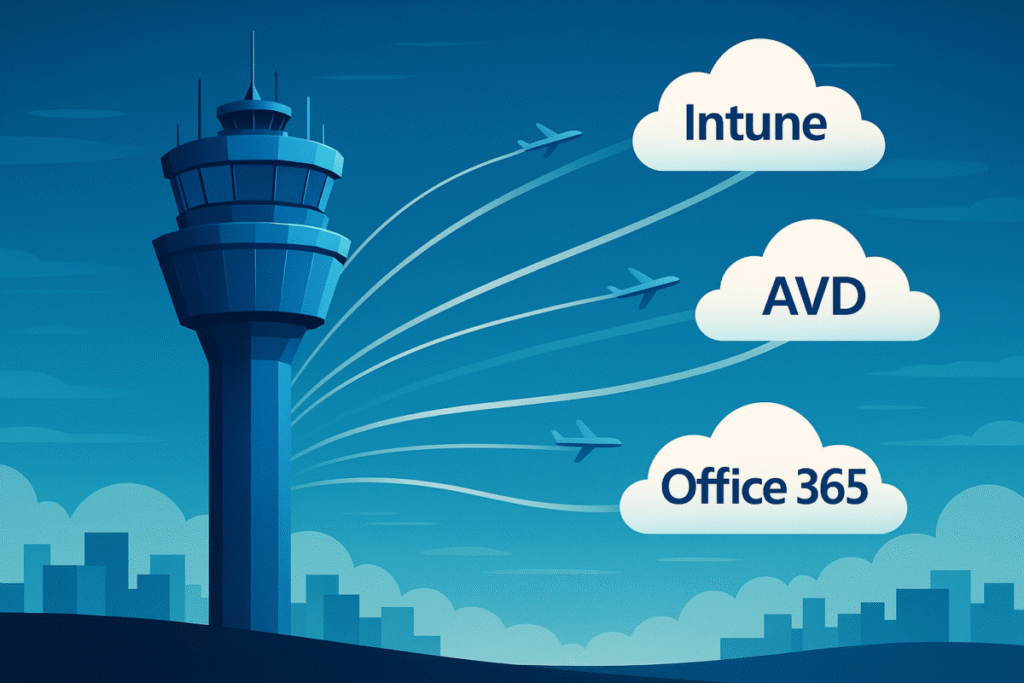
A set of Azure Virtual Desktops (AVDs) in GCC High, secured by Azure Firewall, can serve as a compliant enclave for safeguarding Controlled Unclassified Information (CUI) under CMMC. This post shows one way to configure and maintain Azure Firewall in GCC High to achieve both compliance and simplicity.
What surprises many administrators is that there’s no single “Allow Microsoft” switch in Azure Firewall, no effortless way to permit Microsoft cloud services while blocking everything else. Likewise, Azure Firewall lacks a true learning mode that can automatically distinguish acceptable traffic from unwanted noise. FQDN and Service Tags help, but you’ll often need to rely on tools like Fiddler and KQL queries to build a complete, functioning ruleset, then use Policy Analytics to refine, consolidate, and sustain it over time.
Microsoft Traffic: Tags
Microsoft helps by creating FQDN tags and service tags to encompass several standard (and evolving) sets of Microsoft endpoints.
Here are the 15 application rule FQDN tags I generally use to enable a usable and secure enclave in GCC High:
- MicrosoftActiveProtectionService
- Office365.Common.Allow.Required
- Office365.Common.Default.Required
- Office365.Common.Optimize
- Office365.Exchange.Allow.Required
- Office365.Exchange.Default.Required
- Office365.Exchange.Optimize
- Office365.Skype.Default.Required
- Office365.Skype.Optimize
- Office365.SharePoint.Allow.Required
- Office365.SharePoint.Default.Required
- Office365.SharePoint.Optimize
- WindowsDiagnostics
- WindowsUpdate
- WindowsVirtualDesktop
Here are the 19 network rule service tags I generally use to enable a usable and secure enclave in GCC High:
- AzureActiveDirectory
- AzureFrontDoor.Backend
- AzureFrontDoor.Frontend
- AzureFrontDoor.MicrosoftSecurity
- AzureMonitor
- WindowsVirtualDesktop
- MicrosoftCloudAppSecurity
- MicrosoftDefenderForEndpoint
- MicrosoftPurviewPolicyDistribution
- MicrosoftContainerRegistry
- MicrosoftContainerRegistry.USGovArizona
- MicrosoftContainerRegistry.USGovTexas
- MicrosoftContainerRegistry.USGovVirginia
- Office365.Common.Allow.Required
- Office365.Exchange.Allow.Required
- Office365.Exchange.Optimize
- Office365.SharePoint.Optimize
- Office365.Skype.Allow.Required
- Office365.Skype.Optimize
Line of Business Traffic: Fiddler and KQL
Despite these tags, you will need to understand the additional network traffic required (Fiddler) or blocked (KQL), possibly for Microsoft applications and infrastructure that are not covered by the available tags, but definitely for your own line-of-business applications that need to operate behind the Azure Firewall. KQL provides rich capabilities for retrieving and filtering firewall logs. This query should get you started in understanding what your firewall is blocking:
AzureDiagnostics
| where Category == "AzureFirewallApplicationRule"
| where msg_s has "Action: Deny"
| where TimeGenerated >= ago(30d)
Ongoing Management: Policy Analytics
Finally, you may wind up with duplicates or unused rules. Policy analytics allows you to identify redundant and unused firewall rules that may be candidates for consolidation or removal.
If you are facing a CMMC, IAM, or custom development challenge on the Microsoft cloud platform, feel free to reach out to my team for help.
This post is the third in a series on common challenges organizations face when adopting Microsoft 365 GCC High.
- Teams Collaboration: Simple, Reliable Cross-Cloud Teams Collab in GCC High.
- Device Management: Understand Intune’s gaps in GCC High and how to configure a virtual enclave for secure access without issuing new laptops.
- Firewall Management: Understand how to use the Azure Firewall to protect a CMMC-compliant secure enclave of Azure Virtual Desktops (AVDs).
- What Others Are Doing: Understand how others are using GCC High to achieve CMMC compliance.
- Teams Collaboration 2: Integrating Teams External Access, Cross-Cloud Meeting Join, and B2B for a complete collaboration experience.
- Data Protection: What’s missing today in Microsoft Purview when it comes to protecting sensitive Defense Industrial Base data.
- App Development: Lessons learned building applications spanning Commercial, GCC High, and 21v China.
If these topics resonate, stay tuned — each post will dig into practical solutions and lessons learned from real-world projects.